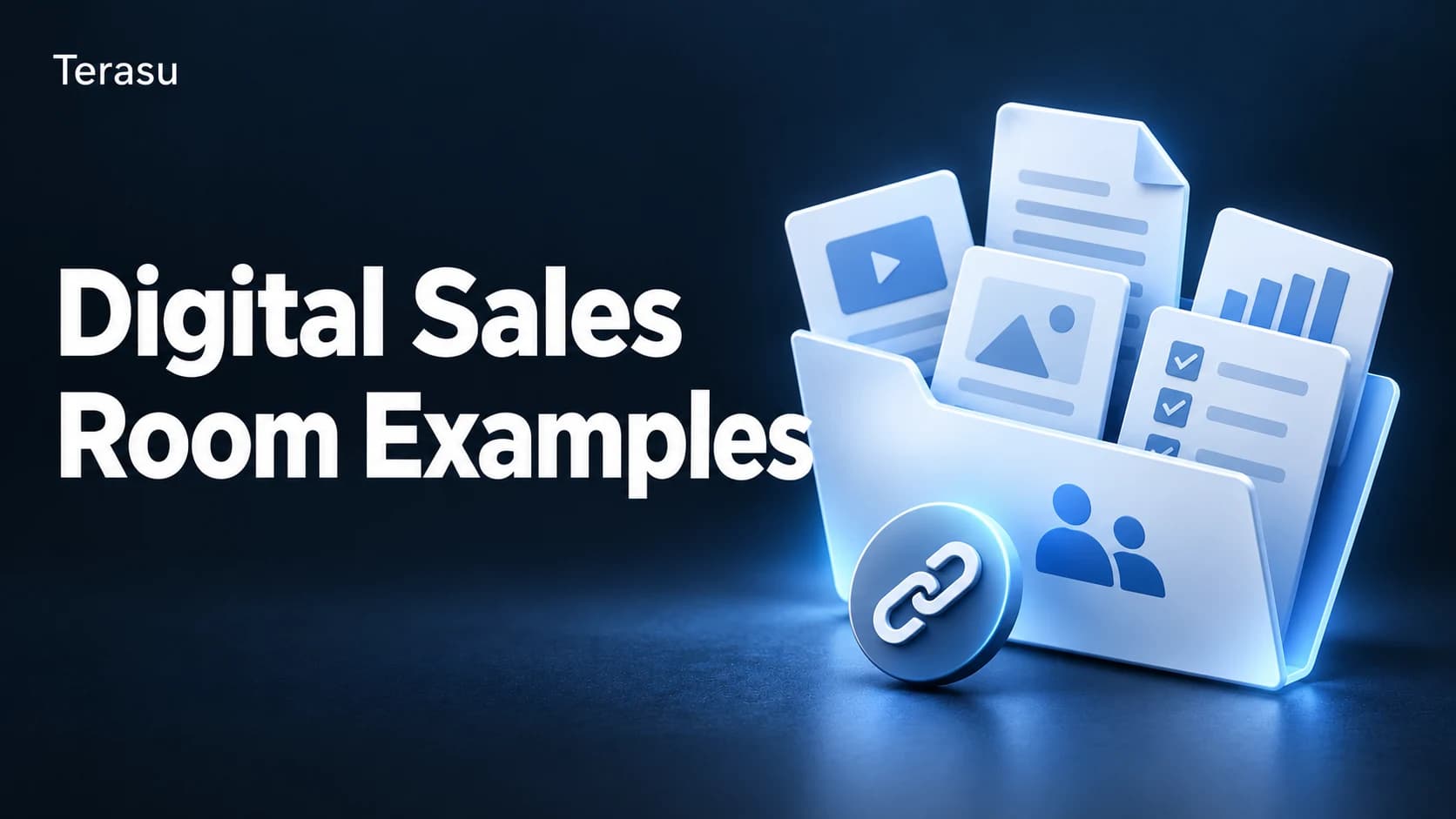
Digital Sales Room Examples: 7 Templates by Industry & Use Case (2026)
Key takeaways:
- A digital sales room (DSR) is a shared, buyer-facing workspace that consolidates everything a deal needs—proposals, pricing, demos, mutual action plans, and stakeholder communication—into one link.
- The strongest DSRs are purpose-built: a SaaS new-business room, a procurement-heavy enterprise room, and a renewal room each need different content and structure.
- This guide breaks down 7 concrete examples by industry and use case, the exact content each should contain, and how to convert any winning room into a reusable template.
- Standardizing your best room as a template is where DSRs scale—turning one rep's good deal into a repeatable motion the whole team can clone in minutes.
Most teams already understand the concept of a digital sales room. What they actually want to see is what a good one looks like—what goes inside, how it's organized, and how it changes for a startup demo versus a six-figure enterprise procurement cycle. Abstract definitions don't help you build one on Monday morning.
This article is a practical pattern library. Below you'll find 7 digital sales room examples mapped to common industries and deal types, a content checklist for each, and a repeatable method for templatizing your highest-performing rooms. If you're still deciding whether DSRs fit your motion, start with our primer on what a digital sales room is; if you're evaluating tools, see our breakdown of digital sales room software.
What Makes a Digital Sales Room Example Worth Copying?
A digital sales room replaces the scattered trail of email attachments, lost PDFs, and "let me resend that deck" moments with a single, persistent space the buyer can return to. According to Gartner, B2B buyers spend only about 17% of their purchase journey meeting with potential suppliers—and when comparing multiple vendors, that share drops further. A well-built DSR works for you during the other 83%, when the buying committee is deliberating without you in the room.
That's why structure matters more than polish. A worthwhile example does three things: it surfaces the right content for the buyer's stage, it makes the next step obvious, and it gives the seller visibility into what's actually being viewed. The examples below are organized around those goals rather than around visual gimmicks.
7 Digital Sales Room Examples by Industry and Use Case
Use the table as a quick map, then read the breakdown of what each room should contain.
| # | Example / Use case | Primary buyer | Core purpose | Must-have content |
|---|---|---|---|---|
| 1 | SaaS new-business room | AE → Champion | Move a demo into an evaluation | Demo recap, ROI calculator, pricing, mutual action plan |
| 2 | Enterprise / procurement room | Champion + committee | Survive a multi-stakeholder review | Security docs, MSA/DPA, references, stakeholder map |
| 3 | Professional services / agency room | Founder / CMO | Win a scoped engagement | SOW, case studies, team bios, timeline |
| 4 | Renewal & upsell room | CSM → Sponsor | Protect and expand revenue | Usage report, ROI realized, renewal terms, expansion options |
| 5 | Channel / partner enablement room | Partner rep | Equip a partner to resell | Co-branded deck, battlecards, pricing, deal-reg form |
| 6 | Onboarding / kickoff room | New customer team | Hand off from sale to success | Implementation plan, contacts, training, success metrics |
| 7 | Event / inbound follow-up room | Marketing-sourced lead | Convert interest into a meeting | Personalized intro, relevant resources, single booking CTA |
1. SaaS new-business room
The workhorse of most B2B teams. After a first demo, the AE shares a room that keeps momentum alive with the champion. Include: a short demo recap or recorded walkthrough, a one-page value summary, transparent pricing tiers, an ROI calculator, customer proof in the buyer's segment, and a mutual action plan that names owners and dates. Keep it to one screen of scrolling—buyers abandon cluttered rooms.
2. Enterprise / procurement room
Large deals die in legal, security, and finance reviews, not in the demo. This room is built for a buying committee you may never all meet. Include: security and compliance documentation (SOC 2, ISO, DPA), the MSA and order form, a reference pack, an implementation overview, and a visible stakeholder map so each role finds what they need. Group content by department so the CISO and the CFO each land on their own section.
3. Professional services / agency room
For consultancies, agencies, and integrators selling scoped engagements. The buyer is judging fit and trust as much as price. Include: a tailored scope of work, two or three relevant case studies with outcomes, named team bios, a project timeline, and clear pricing or rate cards. A short personalized intro video from the lead consultant raises close rates noticeably here.
4. Renewal & upsell room
A DSR isn't only for new logos. Customer success teams use a renewal room to make the value case concrete before the contract date. Include: a usage and adoption report, ROI realized to date, renewal terms, and a side-by-side of expansion options. Framing the renewal around demonstrated outcomes—not just "your contract is up"—is what converts a renewal into an upsell.
5. Channel / partner enablement room
When partners resell on your behalf, give them a room they can adapt rather than rebuild. Include: co-brandable decks, competitive battlecards, approved pricing, a deal-registration form, and quick-start training. The goal is to remove every reason a partner would create their own (off-message) materials.
6. Onboarding / kickoff room
The handoff from sales to delivery is where deals quietly lose trust. A kickoff room carries context forward. Include: the implementation plan, a directory of who-does-what, training resources, and the success metrics agreed during the sale. Reusing the mutual action plan from the sales room here signals continuity to the customer.
7. Event / inbound follow-up room
After a conference or a high-intent inbound, a generic "thanks for stopping by" email is forgettable. A lightweight follow-up room is not. Include: a one-line personalized intro, two or three resources matched to what the lead asked about, and exactly one call to action—book a meeting. Resist adding more; this room exists to earn the next conversation, nothing else.
What Every Digital Sales Room Should Include
Across all seven examples, a reliable core repeats. Treat this as your baseline content checklist before customizing:
- A personalized header — the buyer's name/logo and a one-line statement of the goal.
- A clear next step — one primary CTA above the fold (book a call, sign, review pricing).
- The relevant content, and only the relevant content — proposals, decks, demos, and pricing matched to the stage.
- A mutual action plan — shared steps, owners, and dates so both sides stay accountable.
- Social proof — case studies or references from the buyer's industry, not generic ones.
- A single point of contact — a face and a fast way to reach the seller.
What you leave out matters as much as what you include. Forrester's research on buyer enablement is blunt on this point: buyers are overwhelmed, and the vendor that makes the decision easier wins. Every extra tab is a chance to lose attention.
The advantage of a DSR over email attachments is visibility. Because everything lives in one tracked space, sellers can see which documents the buyer opened, how long they spent, and who else they shared the room with—turning silent stretches of the deal into signals you can act on.
How to Turn an Example into a Reusable Template
The examples above are starting points. The real leverage comes from standardizing your best-performing room so the whole team can reproduce it. Here's a practical method:
- Find your winners. Identify the rooms tied to closed-won deals and look at what they had in common—structure, content order, and the CTA that worked.
- Extract the skeleton. Strip out deal-specific details and keep the reusable frame: section order, placeholder content blocks, and a default mutual action plan.
- Mark the variable fields. Flag what a rep must personalize each time—buyer name, ROI inputs, pricing tier, references—so nothing generic slips through.
- Clone, don't rebuild. When a new deal starts, the rep duplicates the template and fills in the variables in minutes instead of assembling a room from scratch.
- Version and refine. Treat templates as living assets. When a new pattern out-converts the old one, update the template and roll it out as the new standard.
This is exactly where a purpose-built platform pays off. With Terasu, you save a proven room as a template and duplicate it for each new opportunity, so your enterprise-procurement room or SaaS new-business room becomes a one-click starting point. Reps stay on-message, managers control the standard, and view-tracking shows which template sections actually drive engagement—closing the loop between your best example and your next deal.
Frequently Asked Questions
What is a digital sales room example?
A digital sales room example is a model or template of a buyer-facing workspace built for a specific scenario—such as a SaaS evaluation, an enterprise procurement review, or a customer renewal. It shows how to organize content, structure the next steps, and tailor the room to that deal type so you can adapt it rather than start from a blank page.
What should I put in a digital sales room?
At minimum: a personalized header, one clear next step, the proposals and pricing relevant to the buyer's stage, a mutual action plan with owners and dates, industry-specific social proof, and a single point of contact. Add or remove content based on the use case—an enterprise room needs security and legal documents, while an event follow-up room should stay deliberately lightweight.
How is a digital sales room different from sending an email with attachments?
An email scatters documents the buyer must hunt through, and you lose all visibility once you hit send. A digital sales room keeps everything in one persistent, tracked link, surfaces a clear next step, and shows you which content the buyer opened and shared—so you can act on real engagement signals instead of guessing.
Do digital sales rooms work for small deals or only enterprise?
They work for both. Small and transactional deals benefit from a fast, lightweight room—an inbound follow-up or SaaS demo recap—that removes friction and earns the next meeting. Enterprise deals benefit from a more structured room that guides a full buying committee through security, legal, and reference checks.
How many digital sales room templates does a team need?
Most teams start with two or three: a new-business room, an enterprise/procurement room, and a renewal room. From there you can add use-case variants such as partner enablement or event follow-up. The goal is enough templates to cover your main motions without creating so many that reps can't tell which to use.
How do I create a reusable digital sales room template?
Identify a room from a closed-won deal, strip out the deal-specific details to keep the structure, mark the fields reps must personalize, and save it as a template you can clone for each new opportunity. Platforms such as Terasu let you duplicate that template in one click and track which sections perform best so you can keep refining it.
Conclusion
There's no single "right" digital sales room—there's the right room for the deal in front of you. A SaaS demo follow-up, an enterprise procurement review, and a customer renewal each call for different content and structure, but they all share the same job: make the buyer's decision easier and give the seller visibility into what's working.
Use the seven examples here as a starting library, apply the content checklist, and then do the part that actually scales—turn your best-performing rooms into templates your whole team can clone. That's how a few strong examples become a repeatable, measurable sales motion.
Ready to standardize your best deal room? Terasu lets you build a digital sales room once, save it as a template, and duplicate it for every new opportunity—with built-in view tracking so you always know what your buyers are engaging with. Start your free trial today.