What Is a Digital Sales Room? How It Works & Why It Matters (2026)
A digital sales room (DSR) is a single, shareable online workspace where a seller and a buyer run a B2B deal together—consolidating proposals, documents, tasks, and conversations into one URL while tracking exactly what the buyer engages with. Gartner published its first Market Guide for Digital Sales Rooms in February 2025 and predicts that by 2028, 30% of B2B deal cycles will be managed through digital sales rooms.
Key takeaways:
- A digital sales room is a buyer-facing deal workspace—not a CRM and not a file drive, but the layer between them where the seller and buyer collaborate on one URL.
- DSRs exist because B2B buying changed: Forrester reports an average of 13 people per purchase, and Gartner finds 67% of buyers now prefer a rep-free experience.
- The core value is visibility: page-level engagement tracking shows who read what, for how long, so reps act on signals instead of guesswork.
- A DSR shines on complex, multi-stakeholder, multi-meeting deals—and adds little on one-off, single-decision-maker transactions.
"Did the proposal I sent actually reach the decision-maker?" "Does everyone agree on who does what next?" In B2B sales, these invisible uncertainties are where deals quietly stall. Attachments sink to the bottom of an inbox, meeting notes scatter across Slack threads, and you have no idea which page of the proposal was ever read. A digital sales room collapses that scattered deal context into one URL—and, crucially, makes the deal visible to both sides.
This guide is the category hub for digital sales rooms. It explains what a DSR is, exactly how one works, why the category emerged now, how it compares to traditional selling, and what changes for the buyer—grounded in primary research from Gartner, Forrester, Salesforce, and McKinsey. For product selection, see our digital sales room software guide; for real-world setups, see digital sales room examples.
What Is a Digital Sales Room?
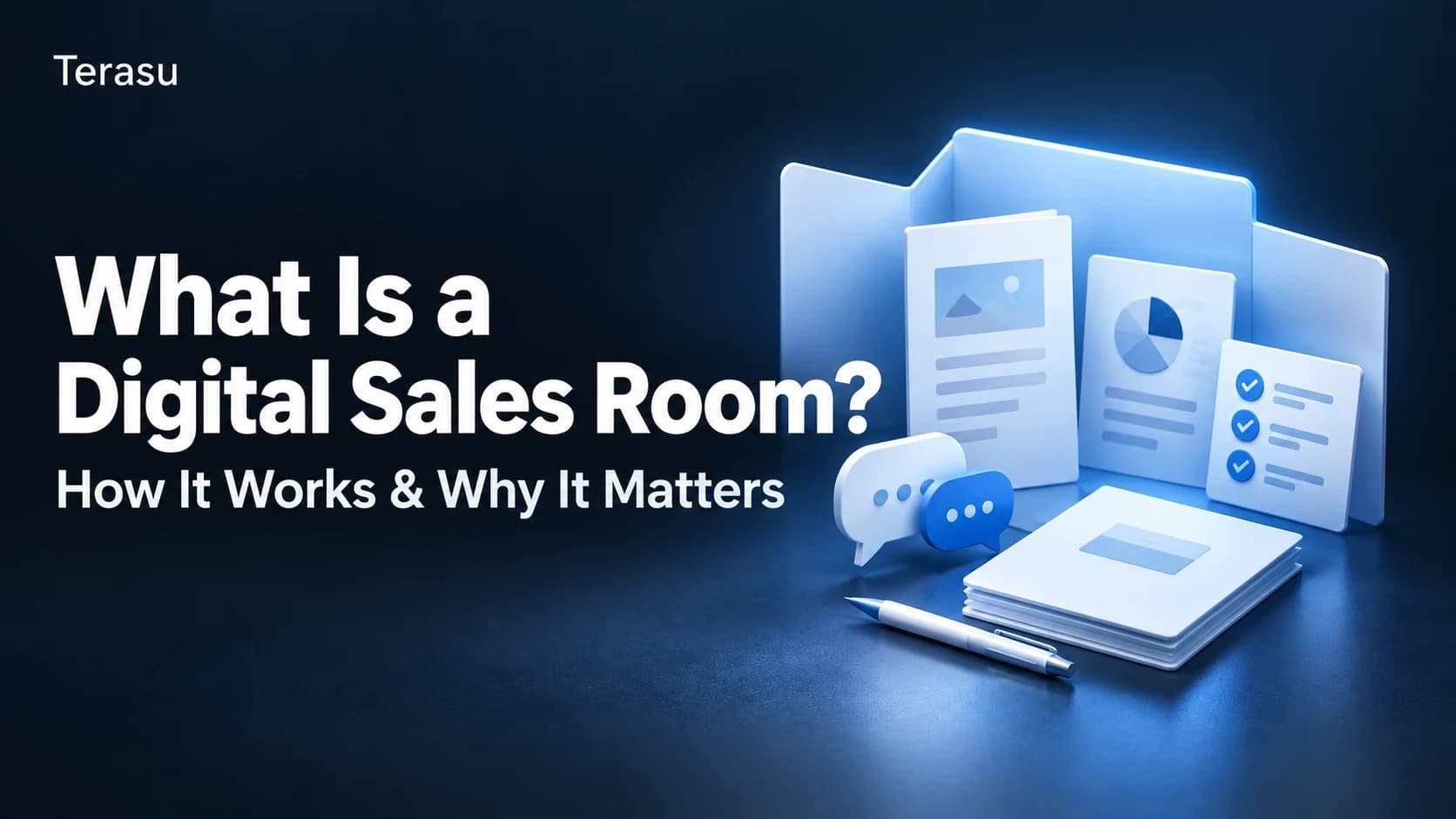
A digital sales room (DSR) is a web-based shared workspace where a seller and a buyer advance a B2B deal while looking at the same screen. Information that used to be spread across email attachments, chat apps, and file-sharing links is unified under a single URL issued per deal (a "room").
A DSR is built from three core elements:
- A shared workspace — proposals, contracts, FAQs, and videos are consolidated per deal, with guaranteed access to the latest version.
- Engagement visibility — every view is recorded automatically (who, when, which page, how long), quantifying buyer interest.
- Collaborative task management — a mutual action plan that both seller and buyer update toward a shared close date.
| Attribute | Detail |
|---|---|
| Definition | A shared workspace consolidating a deal's information into one URL for seller and buyer |
| Purpose | Make the deal process transparent, faster, and a better buyer experience |
| Primary users | B2B sellers (SaaS, consulting, manufacturing—deals with multiple stakeholders) |
| Related concepts | Buyer experience, mutual action plan, sales enablement, buyer enablement |
| Also called | Virtual sales room, buyer microsite, deal room, sales portal |
The plainest framing: a DSR is the "operating system" for a deal. Where the proposal lived in slides, the notes in a doc, the tasks in a spreadsheet, and the conversation in email, the DSR binds all of it together under the unit that actually matters—the deal itself.
The key distinction: a DSR is neither a file-sharing tool nor a CRM. It sits between them as a "deal platform you use with the buyer." A CRM is an internal seller tool; a DSR is fundamentally different because it has a screen the buyer opens too.
"Virtual Sales Room" and Other Names for the Same Thing
You will see the same concept under several labels. They are largely interchangeable.
| Term | Nuance |
|---|---|
| Digital sales room (DSR) | The category name Gartner formalized; the most common term today |
| Virtual sales room | An older synonym, common in remote-selling contexts; functionally identical |
| Buyer microsite / deal microsite | Emphasizes the buyer-facing, personalized landing experience |
| Sales portal / buyer workspace | Vendor-specific naming from the pre-2021 era before the category settled |
If you searched for "virtual sales room," you are in the right place—it is the same buyer-facing deal workspace this guide describes.
How a Digital Sales Room Works
The simplest way to understand a DSR is to follow the deal through it. A room is created, populated, shared, and then becomes a live, two-way surface that records every interaction.
The Four Layers of a DSR
A digital sales room stacks four layers on top of a single shared URL. Each layer adds something email-plus-attachments cannot.
┌─────────────────────────────────────────────┐
│  4. SIGNAL LAYER                              │
│     who / when / which page / how long        │
│     → engagement analytics, alerts            │
├─────────────────────────────────────────────┤
│  3. COLLABORATION LAYER                        │
│     mutual action plan, comments, @mentions    │
│     → both sides update the same tasks         │
├─────────────────────────────────────────────┤
│  2. CONTENT LAYER                              │
│     proposals, pricing, contracts, videos      │
│     → always the latest version, one place     │
├─────────────────────────────────────────────┤
│  1. ACCESS LAYER                               │
│     one secure URL, per-deal permissions       │
│     → no login friction, no lost attachments   │
└─────────────────────────────────────────────┘
The Lifecycle of a Room
| Step | What the seller does | What the buyer experiences |
|---|---|---|
| 1. Create | Spin up a room from a reusable template in minutes | Receives one branded link—nothing to install |
| 2. Populate | Add the proposal, pricing, case studies, FAQ, and a mutual action plan | Finds everything for the deal in one place, always current |
| 3. Share | Send the link; set permissions and expiry | Opens it in a browser, optionally forwards it internally |
| 4. Engage | Watch page-level signals roll in | Reviews at their own pace, comments, completes shared tasks |
| 5. Act | Follow up on what the data shows—not on a hunch | Gets relevant, timely answers instead of generic nudges |
The mechanism that makes a DSR more than a pretty landing page is the signal layer. Because the buyer reads inside the room rather than downloading an attachment, the seller can see that the CFO opened the pricing page three times, that a new director from procurement just joined, or that a stakeholder re-read the security section after two weeks of silence. Those are buying signals you simply cannot get from a sent email.
One operational advantage worth calling out: because rooms are built from reusable templates, a team can standardize its best-performing deal structure and clone it per opportunity—so every rep starts from the strongest version, not a blank page.
Why Digital Sales Rooms Matter Now
A DSR is not a fad tool. It is a response to a decade of structural change in how B2B buying actually happens. Four shifts are running at once.
Buying Groups Got Bigger and More Complex
Harvard Business Review reported the average B2B buying group at 6.8 people back in 2017 (HBR, 2017). Forrester's State of Business Buying 2024 now puts complex purchases at an average of 13 people, with 89% spanning two or more departments. More people means more forwarded emails, more version conflicts, and more "the decision-maker never saw the deck." A DSR's "one URL, everyone sees the same thing" design is a direct answer to that fragmentation.
Buyers Want a Rep-Free Experience—But Not a Worse One
The most dramatic shift is the rise of rep-free preference. Gartner's tracking shows it climbing from 61% in 2025 to 67% in 2026 (Gartner, 2025 / Gartner, 2026), with 45% of buyers using AI in a recent purchase. Yet Gartner also warns that purely self-serve buyers suffer more buyer's remorse—and that hybrid buying (rep plus digital tools) produces 1.8× higher-quality deals than pure self-service. The mandate is to let buyers self-serve and get help when they want it. That "third path" is exactly what a DSR enables. For the discipline behind it, see buyer enablement.
Experience Now Drives the Purchase Decision
Salesforce's State of the Connected Customer found 88% of customers say the experience a company provides is as important as its product or service (Salesforce, 2024). When competing products and prices look similar, the quality of the buying process itself becomes the tiebreaker—how proposals are delivered, how progress is shown, how fast questions get answered.
Digital Became the Default Channel
Gartner predicted as early as 2020 that 80% of B2B sales interactions would occur in digital channels by 2025 (Gartner, 2020), and McKinsey's B2B Pulse 2024 describes a "Rule of Thirds"—buyers split roughly evenly across in-person, remote, and digital self-serve (McKinsey, 2024). With the "all deals close in person" assumption gone, you need a digital surface where the deal can actually progress.
| Indicator | ~2017 | 2024–2026 | Source |
|---|---|---|---|
| People per buying group | 6.8 | ~13 | HBR 2017 / Forrester 2024 |
| Digital share of B2B interactions | < half | 80% (2025 forecast) | Gartner 2020 |
| Channel mix | In-person-led | Thirds: in-person / remote / digital | McKinsey 2024 |
| "Experience as important as product" | — | 88% | Salesforce 2024 |
| Prefer a rep-free experience | — | 61% (2025) → 67% (2026) | Gartner 2025 / 2026 |
| Used AI in a recent purchase | — | 45% | Gartner 2026 |
Read top to bottom, these numbers describe one buyer: larger group, digital-first, AI-assisted, self-directed—and unwilling to tolerate a clumsy buying experience. The DSR is the category built to serve that buyer.
Digital Sales Room vs Traditional Sales Methods
The fastest way to see what a DSR adds is to compare it, dimension by dimension, against the email-and-attachments status quo most teams still run on.
| Dimension | Traditional (email + attachments + CRM) | With a digital sales room |
|---|---|---|
| Where the deal lives | Scattered across inbox, chat, drive, CRM | One shareable URL per deal |
| Document versions | Multiple versions in circulation | Always the latest, single source |
| Visibility into reading | None—"did you get a chance to look?" | Page-level: who, when, how long |
| Decision-maker reach | Hope the contact forwards it | See exactly who opened the room |
| Next steps | Implied in email threads | Explicit, shared mutual action plan |
| Internal handoff | Reconstructed from old emails | Full history lives in the room |
| Security & control | Forwarding is uncontrolled | Permissions, expiry, watermark, audit log |
| Follow-up trigger | Calendar reminder / gut feel | Behavioral signal (re-view, new viewer) |
Note what the right column is not: it is not a replacement for your CRM. CRM and SFA manage the deal from the seller's side; a DSR manages the shared, buyer-facing side and feeds engagement data back into the CRM. The two are complementary—most teams run a DSR alongside their existing stack, not instead of it.
The Buyer Experience: Before and After a DSR
DSRs are usually pitched to sellers, but their defining feature is that they improve the buyer's experience too. Here is what changes on the buyer's side of the table—the part most seller-tool comparisons ignore.
| Moment in the deal | Before (email + attachments) | After (digital sales room) |
|---|---|---|
| Finding the right file | Search the inbox; ask the rep to resend | One link; everything current, in one place |
| Looping in a colleague | Forward an email and re-explain context | Share the room; context comes with it |
| Building the internal case | Rebuild the story from memory for approvers | An executive summary and ROI page ready to share |
| Knowing what's next | Wait for the rep's nudge | A shared plan shows who owns each step |
| Getting questions answered | Wait for the next call | Comment in-context; get a targeted reply |
| Trusting the vendor | Opaque, generic process | Transparent, organized, tailored to them |
   Buyer's mental model
   ─────────────────────────────────────────────
   BEFORE:  "I have to chase the seller and
             reassemble this deal myself."
   AFTER:   "Everything I need is in one place,
             and I can bring my team in instantly."
This is why the rep-free statistics matter so much. A buying group that has shrunk its tolerance for friction will reward the vendor whose process is easiest to navigate. A DSR lets the buyer self-serve confidently, build their internal business case with seller-provided assets, and pull in stakeholders without re-explaining the deal each time—precisely the behaviors Gartner ties to higher-quality, lower-regret purchases.
Core Features of a Digital Sales Room
DSR products vary, but five capabilities define the category. Each matters to the seller and the buyer.
- Secure document sharing with view tracking — Proposals, quotes, and contracts shared via one URL, with automatic per-page, per-second view logs. If a stakeholder reads the pricing page three times, you can get ahead of the budget conversation.
- Mutual action plan (collaborative tasks) — A shared task board with owners and due dates across the deal's milestones (propose → evaluate → approve → sign), surfacing exactly where an internal approval has stalled. See the mutual action plan guide.
- Consolidated communication — In-room comments, @mentions, and update notifications keep the deal's full history in one timeline, lowering the cost of a rep handoff.
- Engagement analytics — Page dwell time, viewer identification, last-access date, and download history turn "follow up when I remember" into "act on the signal."
- Authentication, permissions & audit logs — Per-room/per-file permissions, expiring links, watermarks, download limits, and SSO/SAML—the controls IT needs to approve a buyer-facing tool.
When a DSR Is (and Isn't) the Right Fit
A DSR is not universal. For category neutrality, here is where it underperforms.
- One-off, short-cycle transactions — If a deal closes in days with no repeat interaction, setup cost may not pay back.
- Single decision-maker, low-complexity deals — When one person decides and there is nothing to coordinate, email plus a PDF is often enough.
- Low buyer engagement — A DSR assumes the buyer will open it and update tasks. For purely one-way document delivery, the value is limited.
- No operating model — Rolling a DSR out company-wide with no playbook tends to fizzle. Start with one or two pilot deals, prove the operating rhythm, then expand.
A DSR delivers the most where deals are complex, multi-stakeholder, multi-meeting, and worth coordinating closely. If your typical deal fits that profile, the category is built for you. To go deeper on rollout and product choice, continue with digital sales room software and digital sales room examples.
Frequently Asked Questions
What is a digital sales room in simple terms?
A digital sales room is one shared web page (a single URL) where a seller and a buyer run a B2B deal together. It holds the proposal, documents, a shared task list, and the conversation in one place, and it records which pages the buyer views and for how long. Think of it as a buyer-facing "operating system" for the deal.
Is a digital sales room the same as a virtual sales room?
Yes—"virtual sales room" is an older synonym for the same concept. Both describe a buyer-facing online workspace where a deal is shared and tracked. The industry has largely settled on "digital sales room" (the term Gartner formalized in 2025), but the two are functionally identical.
How is a digital sales room different from a CRM?
A CRM manages customer and pipeline data internally for the seller; buyers never touch it. A DSR is used with the buyer—it shares documents, tasks, comments, and engagement signals in a space the buyer opens. They are complementary: the DSR feeds buyer engagement data back into the CRM, sharpening forecasting and activity management.
How is a digital sales room different from Google Drive or a file share?
Drive and similar tools are built for storing and distributing files; they cannot show who read which page or for how long, and they have no shared task plan. A DSR is built to advance the deal collaboratively, with page-level tracking, a mutual action plan, and a buyer-facing interface. Keep internal documents in Drive; move customer-facing deals into a DSR.
Does the buyer need to create an account or install anything?
Usually no. Most DSRs work from a link the buyer opens in a browser—often with email verification or a one-time passcode rather than a full account. This low-friction design is deliberate, since adoption depends on the buyer actually opening the room. Many products also support SSO (SAML/OIDC) for enterprise buyers.
What kinds of companies benefit most from a DSR?
Teams running complex B2B deals—SaaS, consulting, manufacturing, and similar—where multiple stakeholders evaluate over several meetings. The more people involved and the longer the cycle, the more a DSR's "one URL, full visibility" model pays off. Simple, single-decision-maker transactions benefit the least.
Is a digital sales room secure enough for enterprise buyers?
Reputable DSRs offer per-room and per-file permissions, expiring links, watermarks, download limits, audit logs, and SSO/SAML. When evaluating, confirm certifications such as SOC 2 Type II or ISO 27001 and data residency requirements. These controls are a major reason IT approves a DSR over ad-hoc file forwarding.
How quickly can a team start using a digital sales room?
Most tools are usable within a day or two, and you can feel the impact within a single pilot deal in 2–4 weeks. A full enterprise rollout—covering IT review, operating rules, and rep training—is more realistically a 2–3 month effort. Starting with one or two pilot deals is the fastest path to durable adoption.
Can a digital sales room work alongside our existing CRM and tools?
Yes. DSRs are designed to complement, not replace, your stack. Most integrate natively with CRMs like Salesforce and HubSpot, syncing engagement data back into the pipeline. You keep your CRM, SFA, and document storage; the DSR adds the buyer-facing layer they lack.
What is the difference between a DSR and buyer enablement?
Buyer enablement is the discipline of giving buyers the information and tools to complete their purchase confidently; a digital sales room is the platform that operationalizes it. In other words, buyer enablement is the "why," and the DSR is one of the main "hows." See our buyer enablement guide for the strategy behind the tool.
Conclusion
A digital sales room is the buyer-facing layer of the modern deal—one shared URL where seller and buyer manage documents, tasks, conversation, and engagement signals together. It is not a CRM and not a file drive; it sits between them and fills the gap neither was built for: collaborating with the buyer.
The category exists because B2B buying changed structurally—bigger buying groups, digital-first channels, AI-assisted and rep-free preferences, and experience as a purchase driver. Gartner now tracks DSRs as a formal category and expects 30% of B2B deal cycles to run through them by 2028. For teams selling complex, multi-stakeholder deals, that is not a trend to watch—it is a capability to build.
The best first step is not a big rollout. Pick one or two live deals, put them in a room, and watch what the engagement signals tell you. Seeing how far your proposal was actually read—and by whom—will sharpen your very next action.
Ready to try it? Spin up your first room from a reusable template, share one secure link, and see exactly how your buyer engages—then sync those signals straight into your CRM.
Run your next deal in a digital sales room
Terasu lets you launch a buyer-facing room in minutes, track page-level engagement, and keep the whole deal—docs, tasks, and conversation—on one URL. Try it free.
Start free