Stakeholder Map Template for B2B Sales (2026): Free Copy-Paste Framework
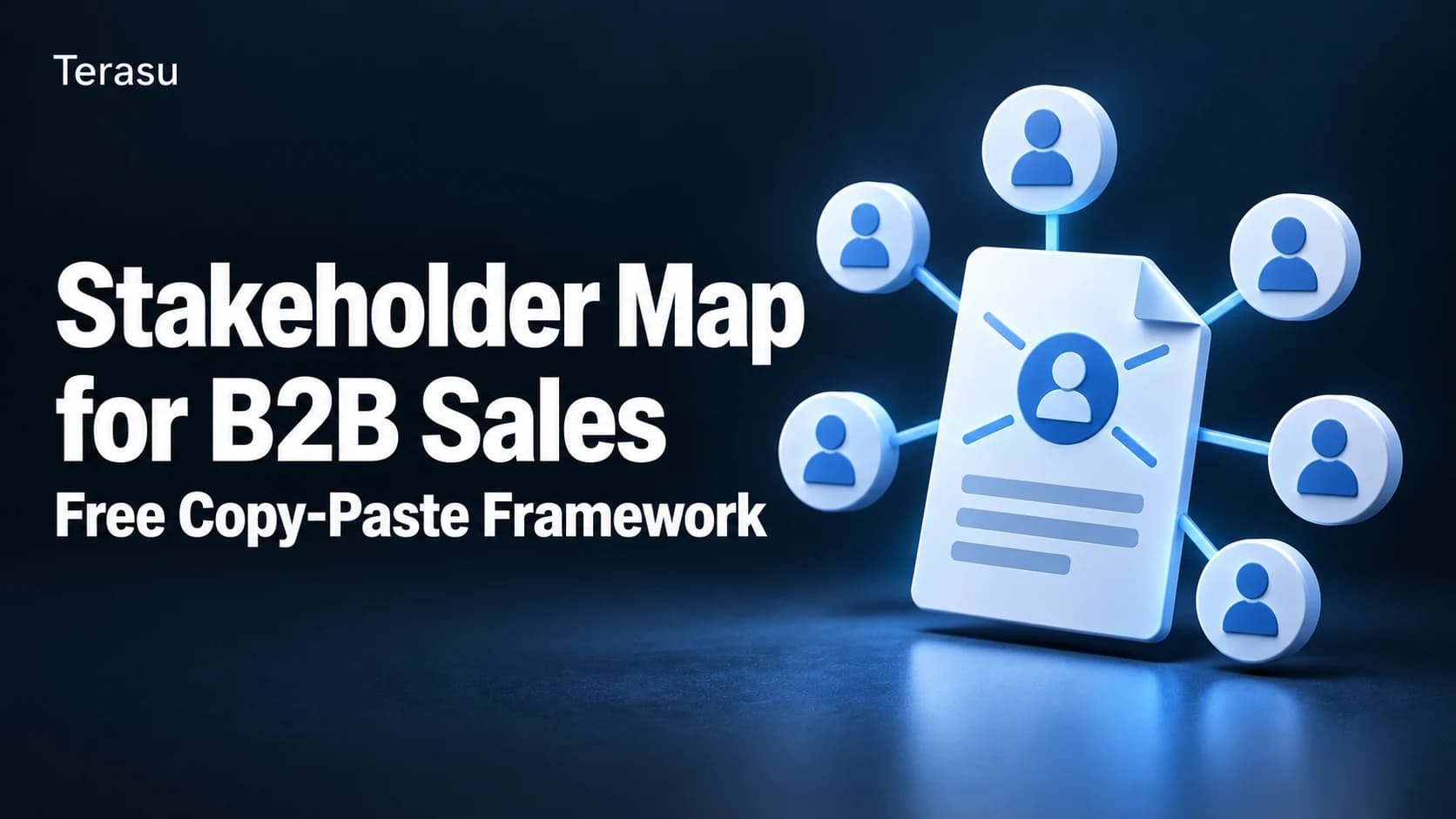
A stakeholder map template is a reusable framework for recording every person involved in a buying decision—their role (decision-maker, champion, influencer, blocker), their level of influence, and their current sentiment toward the deal—so a sales team has one shared, visual answer to "who are we actually selling to?"
Key takeaways:
- A B2B stakeholder map needs four fields per person: role, influence level, sentiment, and relationships to other stakeholders—most generic templates only capture the first one.
- Use a 2x2 grid (influence vs. sentiment) for a fast read of a deal's health, and a relationship diagram for complex, multi-department deals where who-reports-to-whom matters.
- The template below is copy-paste usable in a spreadsheet, and also maps directly to fields inside a live digital sales room stakeholder tool, so the map updates as the deal moves instead of going stale in a slide.
- Update the map after every call where a new name comes up—stakeholder maps built once at deal kickoff and never touched again are the most common failure mode.
Why a generic stakeholder map template falls short for sales
Search "stakeholder map template" and most results—Miro, Canva, Smartsheet, Confluence—are built for project management: identifying who to inform about a project's progress. A B2B sales deal needs more than that. You're not just informing people; you're trying to figure out who can say yes, who can say no, and who is quietly against the deal but hasn't said so yet.
That means a sales-specific stakeholder map needs fields a generic project template doesn't ask for:
- Buying-committee role — economic buyer, champion, technical evaluator, end user, legal/procurement, blocker.
- Influence level — how much weight this person's opinion carries in the final decision, independent of job title.
- Sentiment — advocate, neutral, or skeptical, and whether that's changed since the last interaction.
- Relationship lines — who reports to whom, who trusts whom, and who is likely to be consulted before a final yes.
Gartner's research on B2B buying groups found that a typical buying decision now involves multiple stakeholders across functions, which is exactly why a single "primary contact" field in a CRM isn't enough (Source: Gartner, "The B2B Buying Journey"). The template below is built around that reality.
Share proposals, meeting notes and action plans with clients, keeping both sides’ tasks and decisions together.
See the workflow and demoThe Stakeholder Map Template
Copy this structure into a spreadsheet, a whiteboard tool, or a digital sales room's stakeholder feature.
| Field | What to enter | Example |
|---|---|---|
| Name / Title | Full name and job title | Jane Kim, VP of Operations |
| Role in this deal | Economic buyer / Champion / Technical evaluator / End user / Legal-procurement / Blocker | Economic buyer |
| Department | Their functional area | Operations |
| Influence | High / Medium / Low | High |
| Sentiment | Advocate / Neutral / Skeptical | Neutral |
| Last interaction | Date and channel of your last direct contact | Sept 12, discovery call |
| Reports to / Influenced by | Name of their manager or the person whose opinion they defer to | CEO (Marcus Lee) |
| Watch-outs | Anything that could change their stance | Burned by a vendor last year on data migration |
| Next action | What you'll do to move them toward advocate | Send security whitepaper by Friday |
A filled-in example (SaaS mid-market deal)
| Name / Title | Role | Influence | Sentiment | Next action |
|---|---|---|---|---|
| Jane Kim, VP Operations | Economic buyer | High | Neutral | Send ROI summary before next call |
| Marcus Lee, CEO | Final approver | High | Advocate | Keep looped on milestones only |
| Priya Nair, IT Security Lead | Technical evaluator / Blocker | Medium | Skeptical | Share SOC 2 report + schedule security review |
| Tom Alvarez, Ops Manager | Champion / End user | Medium | Advocate | Equip with internal pitch deck |
| Legal (unnamed, procurement) | Legal-procurement | Low (for now) | Neutral | Confirm contract redlines timeline |
Five rows is usually enough to start. Add rows as new names surface in calls—don't wait for a "kickoff" moment to build the first version.
Two ways to visualize the same data
1. The 2x2 influence/sentiment grid
Plot each stakeholder on a grid: influence (low to high) on one axis, sentiment (skeptical to advocate) on the other. This gives you an instant read on deal risk:
- High influence + skeptical = your biggest risk. Prioritize time here.
- High influence + advocate = your internal champion network. Equip them to sell on your behalf when you're not in the room.
- Low influence + skeptical = monitor, but don't over-invest time relative to their weight in the decision.
2. The relationship diagram
For enterprise deals with five or more stakeholders across departments, a grid isn't enough—you also need to see who reports to whom and who trusts whom. Draw each person as a node and connect them with labeled lines ("reports to," "trusted advisor to," "blocked by"). This is where a static spreadsheet starts to strain, and a visual, drag-and-drop canvas that the whole team can edit becomes worth the switch—see Terasu's Stakeholder Map, which lets you label relationships, tag role/influence/sentiment per node, and pin sticky notes for meeting takeaways directly on the map.
Turn a proposal into actions with owners and due dates.
Share proposals, meeting notes and action plans with clients, keeping both sides’ tasks and decisions together.
See the workflow and demoCommon mistakes with stakeholder maps
- Building it once and never updating it. A map from the kickoff call is already stale by the second meeting. Update it after every call where a new name or a sentiment shift comes up.
- Only mapping people who talk to you. The most dangerous stakeholder is often the one you've never spoken to—ask your champion directly: "who else needs to sign off on this?"
- Confusing title with influence. A "VP" title doesn't always mean high influence in that specific decision; a technical lead with veto power over security can outrank a VP on this deal.
- Keeping it in a personal notebook or private doc. If the map lives only in one rep's head or laptop, it disappears when that rep is out sick or leaves the account. Share it with the whole deal team.
- Treating sentiment as static. A skeptical stakeholder can become an advocate after one well-targeted piece of content—and an advocate can go quiet if a competitor gets to them. Re-check sentiment, don't assume it.
How to keep the map alive inside a digital sales room
A spreadsheet-based stakeholder map works, but it lives outside the deal—separate from your content, your mutual action plan, and your engagement data. Running it inside a digital sales room instead means:
- The map updates in one shared place instead of five different rep laptops.
- You can tag each stakeholder's role, influence, and sentiment directly on a canvas, with sticky notes for context.
- You can embed a read-only version of the map inside a customer-facing proposal page, so both sides see the same picture of "who's involved."
- Engagement data (who opened what) can connect back to the stakeholder record, so "the technical evaluator hasn't opened the security doc yet" becomes a visible flag instead of a guess.
If your team is also running a mutual action plan alongside the stakeholder map, keep both in the same workspace—milestones and people are two views of the same deal, and juggling them across separate tools is where deals lose momentum.
Frequently Asked Questions
What is a stakeholder map in B2B sales?
A stakeholder map in B2B sales is a visual or tabular record of everyone involved in a buying decision, including their role (economic buyer, champion, technical evaluator, blocker), their level of influence, and their current sentiment toward your solution.
What's the difference between a stakeholder map and a buying committee?
The buying committee is the actual group of people involved in the decision. The stakeholder map is the artifact—the document or tool—you use to track who's in that committee, their role, and how they feel about the deal.
How many stakeholders should I map in an average B2B deal?
There's no fixed number—map everyone who has a say, whether that's 3 people in an SMB deal or 10+ in an enterprise deal. The point is completeness, not a target count. If you can only name one or two people, that's a signal you need to ask your champion who else is involved.
Should the buyer ever see the stakeholder map?
Internal sentiment notes ("skeptical," "blocker") should stay internal. But sharing a simplified, role-based version of the map with your champion can help them confirm you haven't missed anyone—and can be embedded read-only in a proposal page without exposing your internal notes.
How is a stakeholder map different from a RACI chart?
A RACI chart (Responsible, Accountable, Consulted, Informed) is typically used for project execution roles after a deal closes. A sales stakeholder map is used pre-close, focused on buying-decision roles, influence, and sentiment rather than execution responsibilities.
Can I build a stakeholder map in a spreadsheet?
Yes—the table template above works fine in Google Sheets or Excel for simple deals. For deals with five or more stakeholders and cross-department relationships, a visual, drag-and-drop map (like a digital sales room's Stakeholder Map feature) becomes easier to read and keep updated as a team.
Conclusion: the map is only useful if it's alive
A stakeholder map template is worth nothing if it's filled in once at kickoff and forgotten. The fields above—role, influence, sentiment, relationships, next action—give you a repeatable structure; the discipline of updating it after every call is what actually protects a deal from a stakeholder you didn't see coming. Whether you run it in a spreadsheet or inside a shared digital sales room, the goal is the same: one live answer to "who are we actually selling to?"
Further reading:
Further reading