Evaluate, approve, and publish
Creating a design does not run an Agent. First evaluate it against representative cases in Tests, then have a person approve the version that may be published.
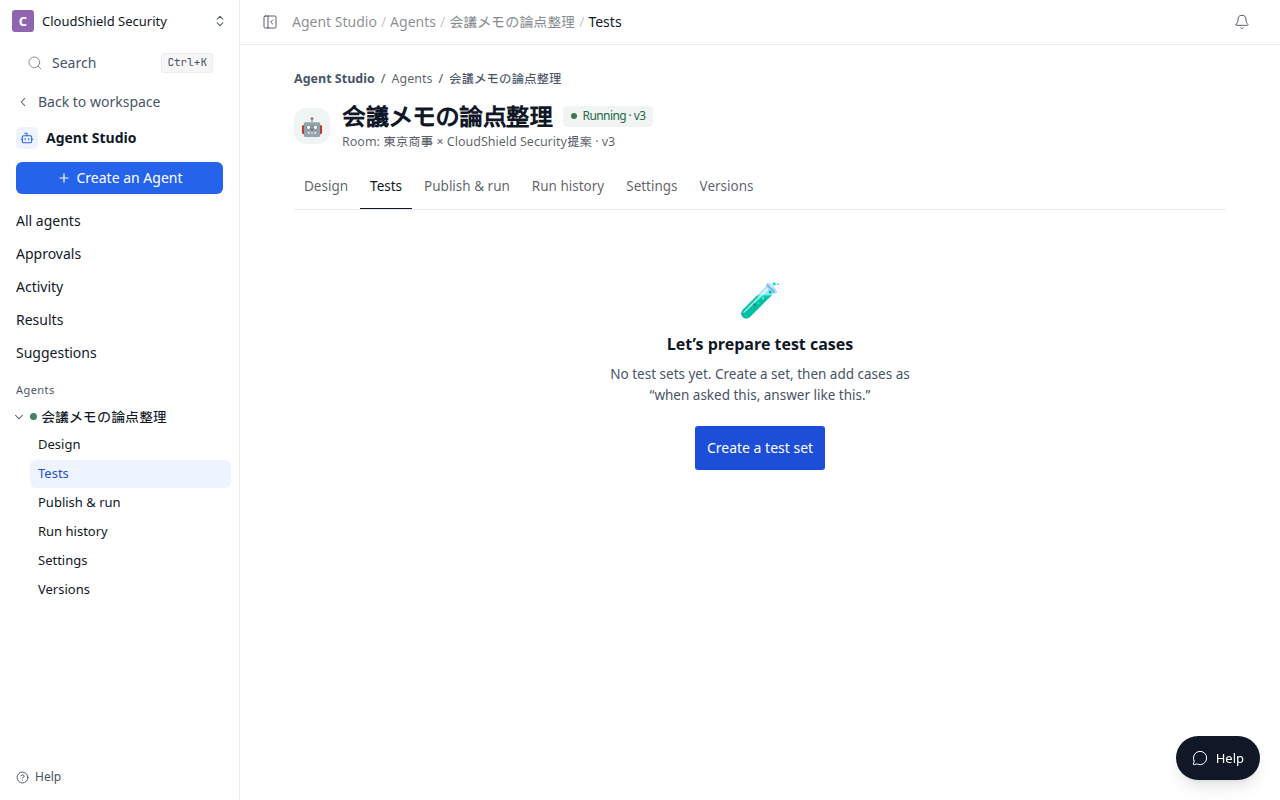
The opening image is the Agent Tests tab (1280). Evaluate the cases, then select Approve and continue to publish.
| Stage | Who acts | Why it matters |
|---|---|---|
| Draft | You | Confirm the intended job and boundaries |
| Tests | Terasu and you | Evaluate results against representative inputs |
| Approval | You | Choose the version that may be published |
| Publish | You | Choose how it runs in Publish & run |
Run tests
- Open the Agent and select the Tests tab.
- Confirm the draft and evaluation cases.
- Select Evaluate or Run again, then read the result and verdict.
- Return to Design to adjust the goal or conditions when a result is insufficient.
- Select Approve and continue to publish only for the version that meets the intended outcome.
Review whether the result is useful, grounded in the intended information, and free of actions you prohibited. Include realistic meeting notes and common exceptions in evaluation cases.
Approval is not automatic execution
Approval means that a version can be published. Publish & run then chooses how it runs. A schedule or an enabled webhook can start future runs automatically; that is a separate decision from approving the Agent definition.
Before you publish, confirm the Room, permitted connections, write or delivery boundaries, and at least one Run now.
Related articles
- Create your first read-only AgentUse plain language to create a safe first Agent that organizes meeting notes without changing anything
- Run an Agent: now, on a schedule, or webhookChoose a safe trigger for Run now, recurring work, or an external event
- Review results and improve an AgentUse Run history, Results, and Suggestions for different parts of the improvement cycle