Last updated: 2026-09-20 · 2 min read
Notification Settings
Choose which email notifications you receive. The image at the top is Notifications in the settings sidebar. @Mentions are always on.
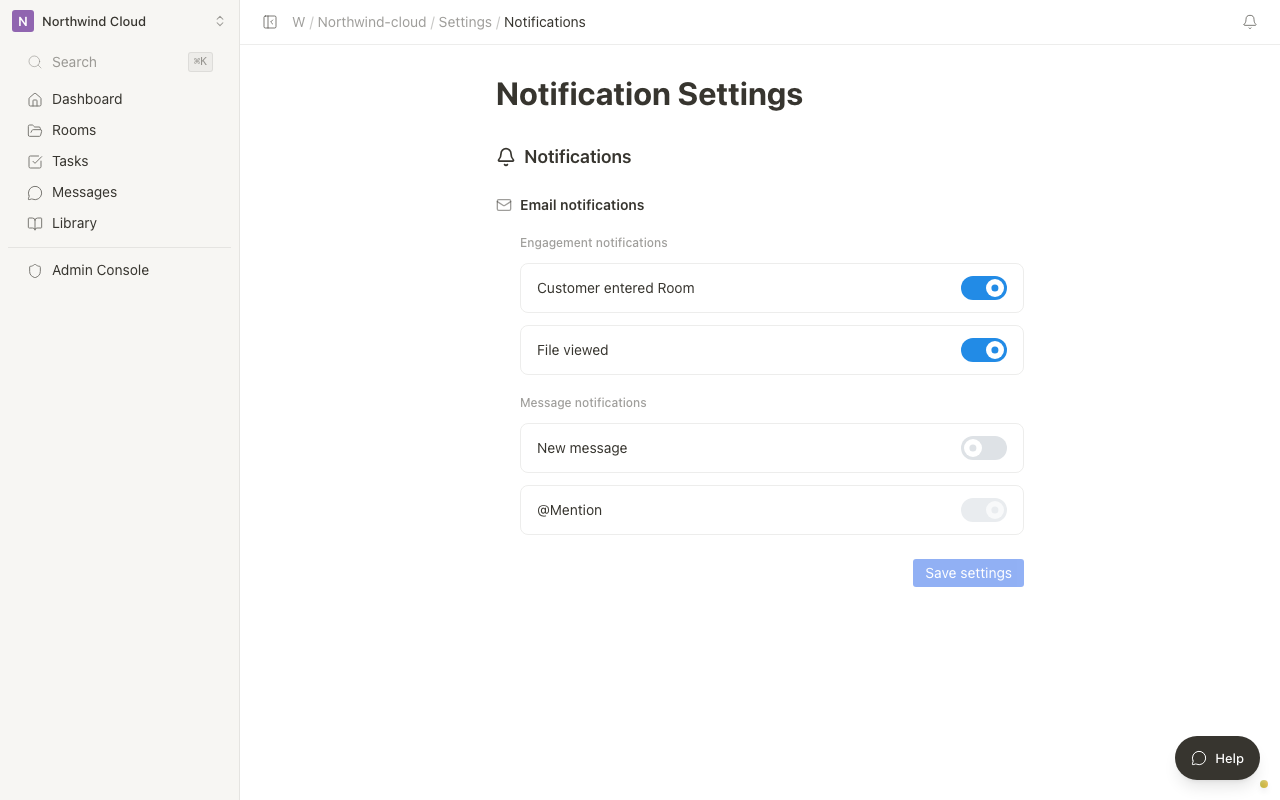
Notification types
Engagement notifications
| Item | Description |
|---|---|
| Customer entered Room | When an external member enters a Room |
| File viewed | When a file in a Room is viewed |
Message notifications
| Item | Description |
|---|---|
| New message | When there is a new post in a thread |
| @Mention | Mentions of you. Always notified and cannot be turned off |
Agent notifications (email and Slack DM)
| Item | Description |
|---|---|
| Run failed | When an Agent run fails |
| Proposal awaiting approval | When a proposal needs approval |
| Proposal about to expire | Before a proposal expires |
| Unknown outcome | When a run has an unknown outcome |
| Assigned as the person who runs an agent | When you become the person who runs an Agent |
Change the settings
- Select Notifications from the settings sidebar
- Turn on the items you want to receive
- Click Save settings. The button stays unavailable until you change something
After saving, you see that notification settings were saved.
The bell at the top right is the in-app notification list. This screen chooses email (and Agent Slack DMs).
Project health alert notifications are configured separately under Project health in workspace settings.