Last updated: 2026-09-20 · 1 min read
Page Edit History
With the page edit history feature, you can see who made what changes and when.
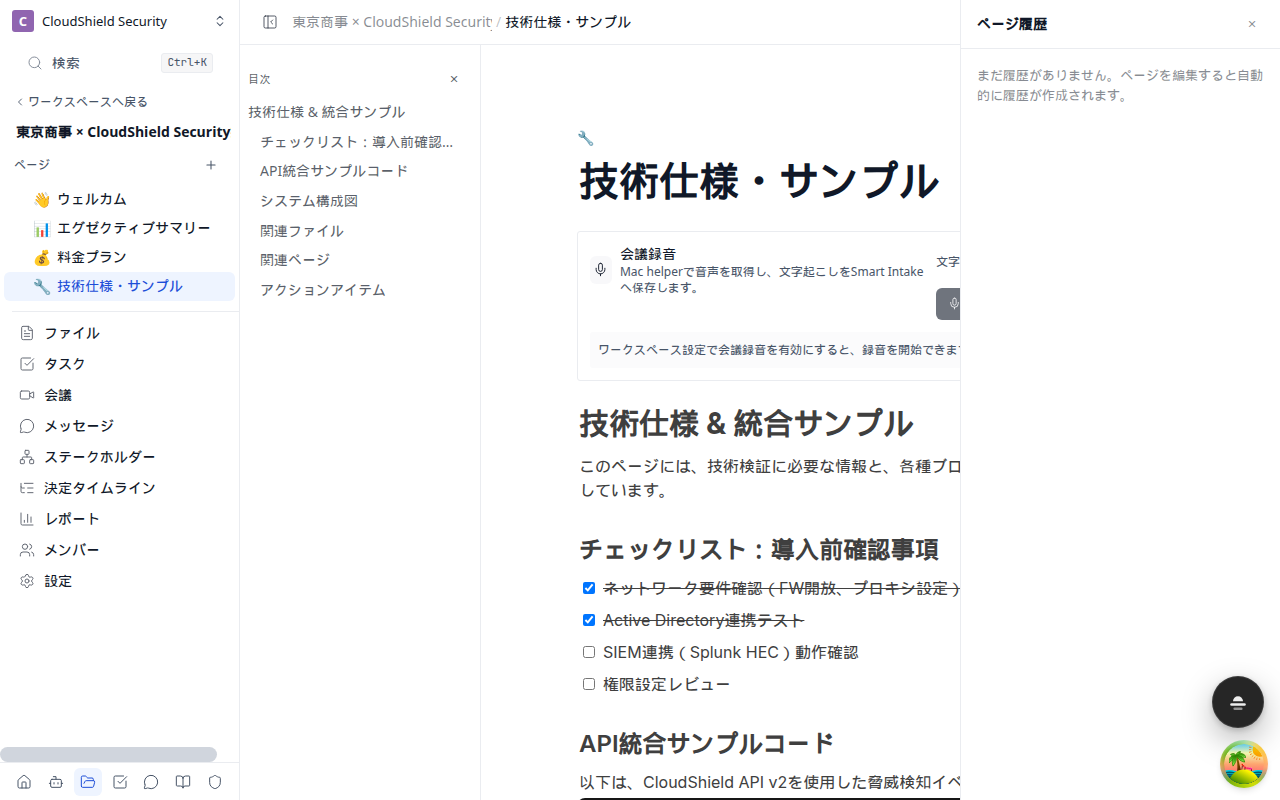
Reviewing the Edit History
- Open the target page
- Open "Page actions" in the top bar
- Click "Page history" to show the list of changes as a timeline
History Information
Each change record includes the following information.
| Item | Description |
|---|---|
| Change date and time | When the change was saved |
| Editor | The name of the member who made the edit |
| Change details | A summary of the blocks that were added or removed |
Key Use Cases
- Tracking changes: When multiple people are editing a customer-facing proposal, you can see who changed what
- Reviewing content: Reference past changes to understand how a change came about
Edit history is saved automatically for each page. There is no need to save manually.
The retention period for edit history varies by plan. For details, see "Plans and Billing Management."