Last updated: 2026-09-20 · 2 min readEnterprise
Audit Logs
For security incident investigations and compliance, you can review the chronological history of operations within your workspace. The page heading is "Audit Logs" plus a description. The same text is not repeated as a second heading.
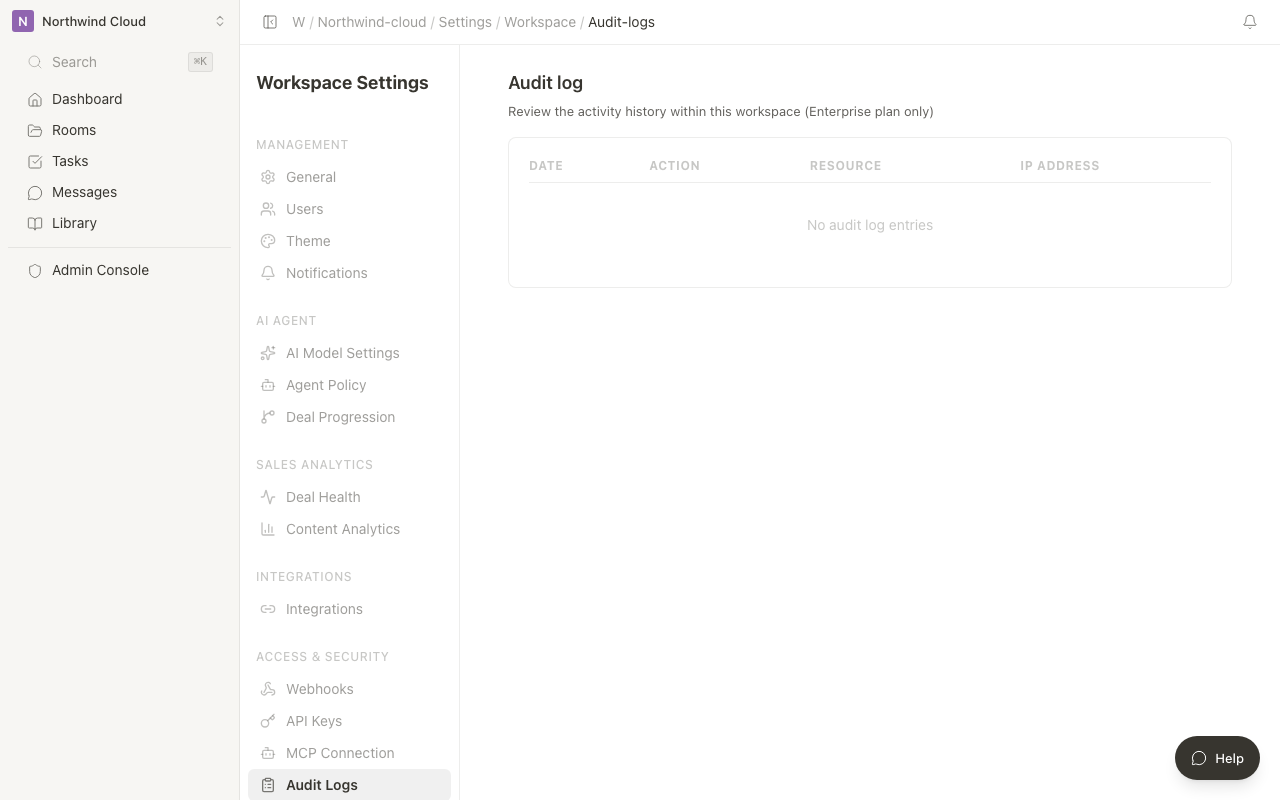
Audit logs are an Enterprise-plan-only feature. Administrators on other plans see "Audit logs are available only on the Enterprise plan." The table is not shown.
Only owners and administrators can view audit logs. Everyone else sees "You don't have permission."
Review the audit logs
- Click the workspace name at the top of the sidebar to open the menu
- Select "Settings"
- From the settings sidebar, open "Audit Logs"
- The table shows date and time, operation, target, and IP address, newest first
- If there are more entries, click "Load more"
The table scrolls horizontally. If loading fails, use "Retry".
Recorded operations
| Operation | Description |
|---|---|
| File upload | Adding a file to a Room or library |
| File deletion | Deleting a file |
| Member invitation | Inviting a member to the workspace |
| Role change | Changing a member's permissions |
| Member removal | Removing a member from the workspace |
| Room creation | Creating a new Room |
| Room deletion | Deleting a Room |
| Plan change | Changing the subscription plan |
How to read the logs
| Column | Content |
|---|---|
| Date and time | When the operation occurred |
| Operation | The type of operation performed |
| Target | The target of the operation (such as a file name or ID) |
| IP address | The IP address of the user who performed the operation |
The list shows the 20 most recent entries first. When there are no logs, the page says there are no audit logs.