Troubleshooting Agent Studio
When something is not right, check the goal, target Room, evaluation, publish, and run result in that order. Do not add more permissions or connections before you know which stage differs from your expectation.
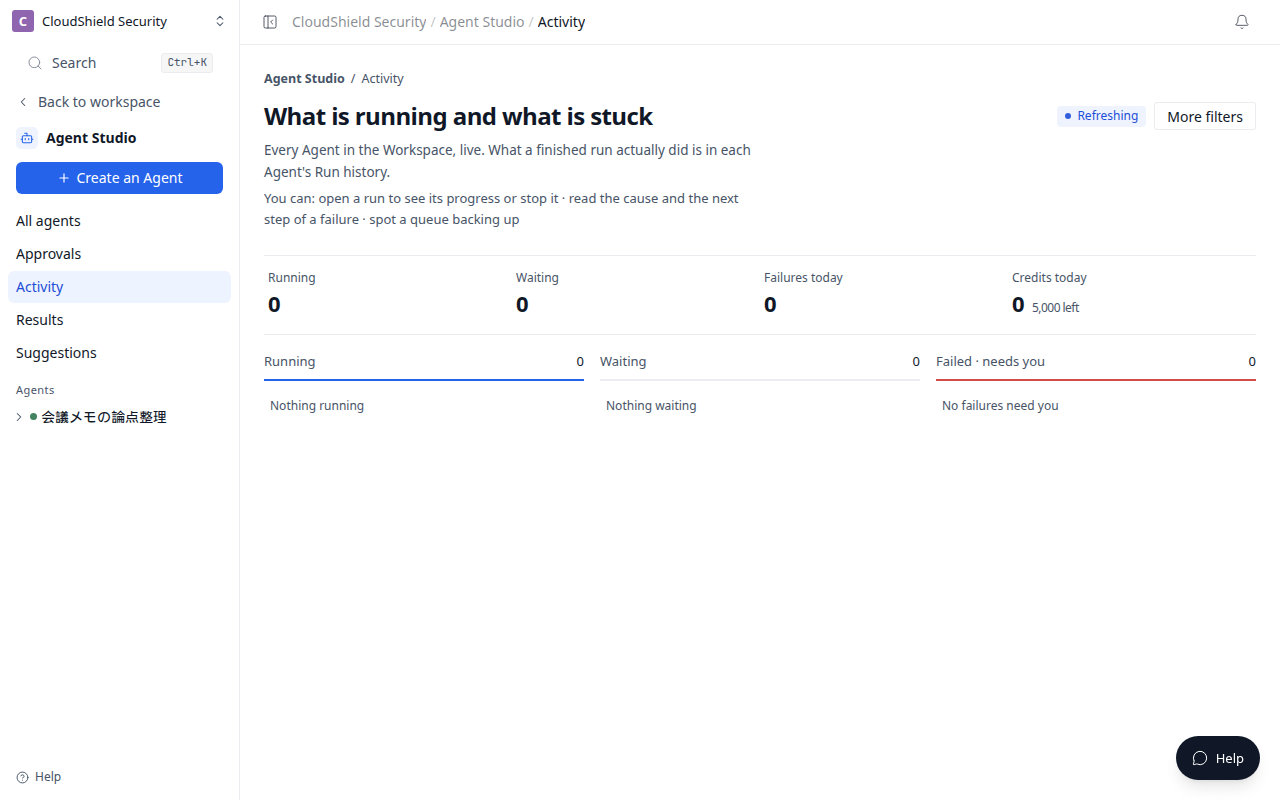
The opening image is Activity in Agent Studio (1280). Check in-progress, queued, and failed runs here.
| State | Check first | Next action |
|---|---|---|
| The design is not what you meant | Does the goal say when, what to read, and what to return? | Make the Create an Agent or Design request more specific |
| Evaluation is insufficient | Did you include realistic materials and exceptions? | Adjust the draft and evaluate again |
| Approval is unavailable | Is the expected version and evaluation result selected? | Review Tests reasons |
| A run cannot start | Is the Room selected, published, and runtime-ready? | Check Publish & run |
| Output is unexpected | Which version and sources were used? | Open Run history |
| A webhook does not run | Is signature testing complete and the trigger active? | Ask a Workspace administrator to check Settings |
Make the goal specific
Vague request:
Check the projects.
Specific request:
Every business day at 9:00, review my stalled client projects, propose the next action and evidence as a draft for each owner, and require review before external contact.
The second request makes the scope, timing, output, and boundary easier to verify.
Ask a Workspace administrator before enabling a new MCP connection, an external send, a Room update, a webhook, or any runtime setting you cannot change yourself.
Related articles
- Create your first read-only AgentUse plain language to create a safe first Agent that organizes meeting notes without changing anything
- Evaluate, approve, and publishCheck expected results in Tests before publishing an Agent
- Rooms, sources, connections, and permissionsUnderstand what an Agent can reference and what to check before enabling MCP or write actions