Create a Room from a template
By reusing a common Room structure as a template, you can save the effort of building one from scratch every time.
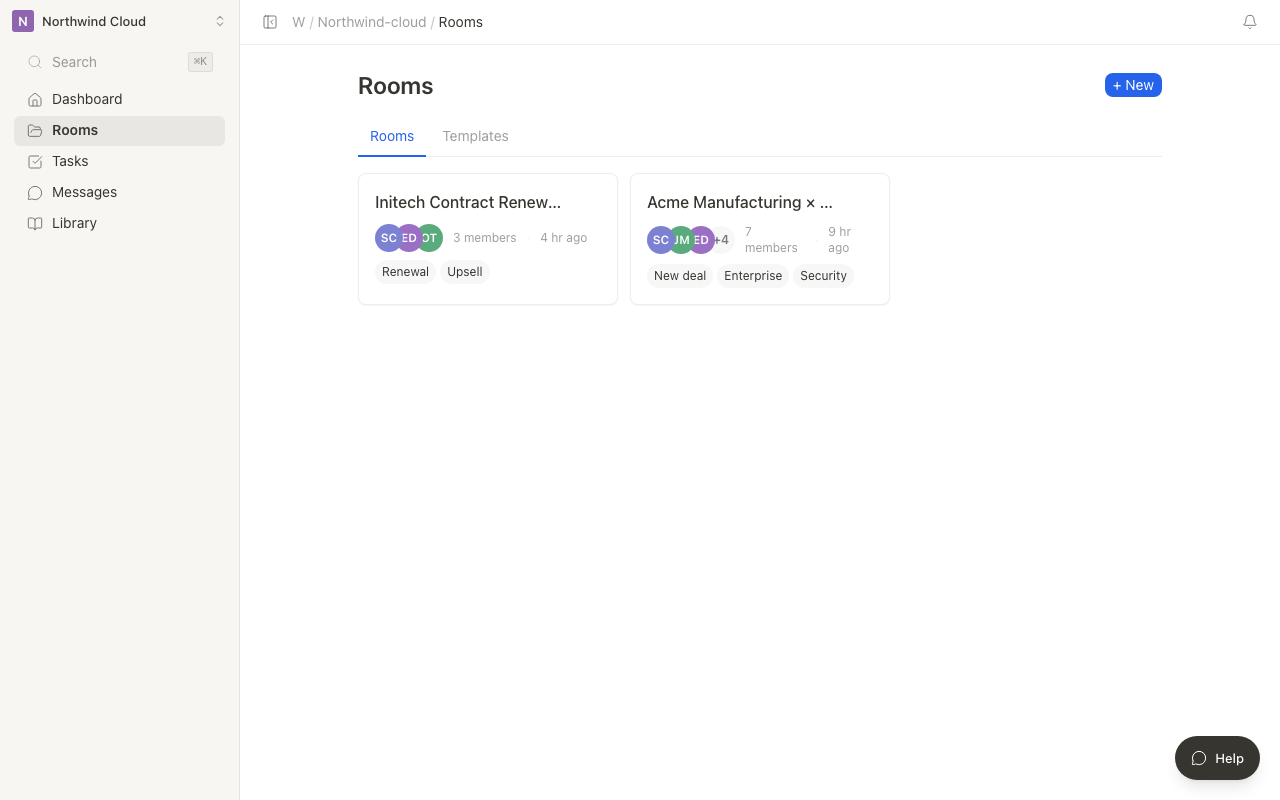
Duplicate a Room
You can create a new Room based on an existing one.
- Open the Room you want to duplicate
- Select "Duplicate Room" from the Room settings menu
- Enter a name for the new Room
- Choose which elements to duplicate (page structure, task structure, and so on)
- Click "Duplicate"
What gets duplicated
| Element | Duplicated | Not duplicated |
|---|---|---|
| Page structure | Page hierarchy and content | Edit history |
| Task structure | Task list and structure | Status (all reset to "Not started") |
| Room settings | Description and icon | Members |
| Files | References to files | View logs |
Creating a single shared proposal template for your project team lets you spin up a Room quickly for every new client project.
Tips for working with templates
- Naming convention: Adding a "[Template]" prefix to template Rooms makes them easy to identify
- Regular updates: Review your templates periodically and keep them up to date with the latest materials and procedures
- Minimal structure: Include only general-purpose content in templates, and add project-specific information after duplicating
Members are not carried over when you duplicate. Invite members to the new Room individually.
Template gallery and preview
In Terasu's template gallery, you can preview published template Rooms before duplicating them into your own Workspace.
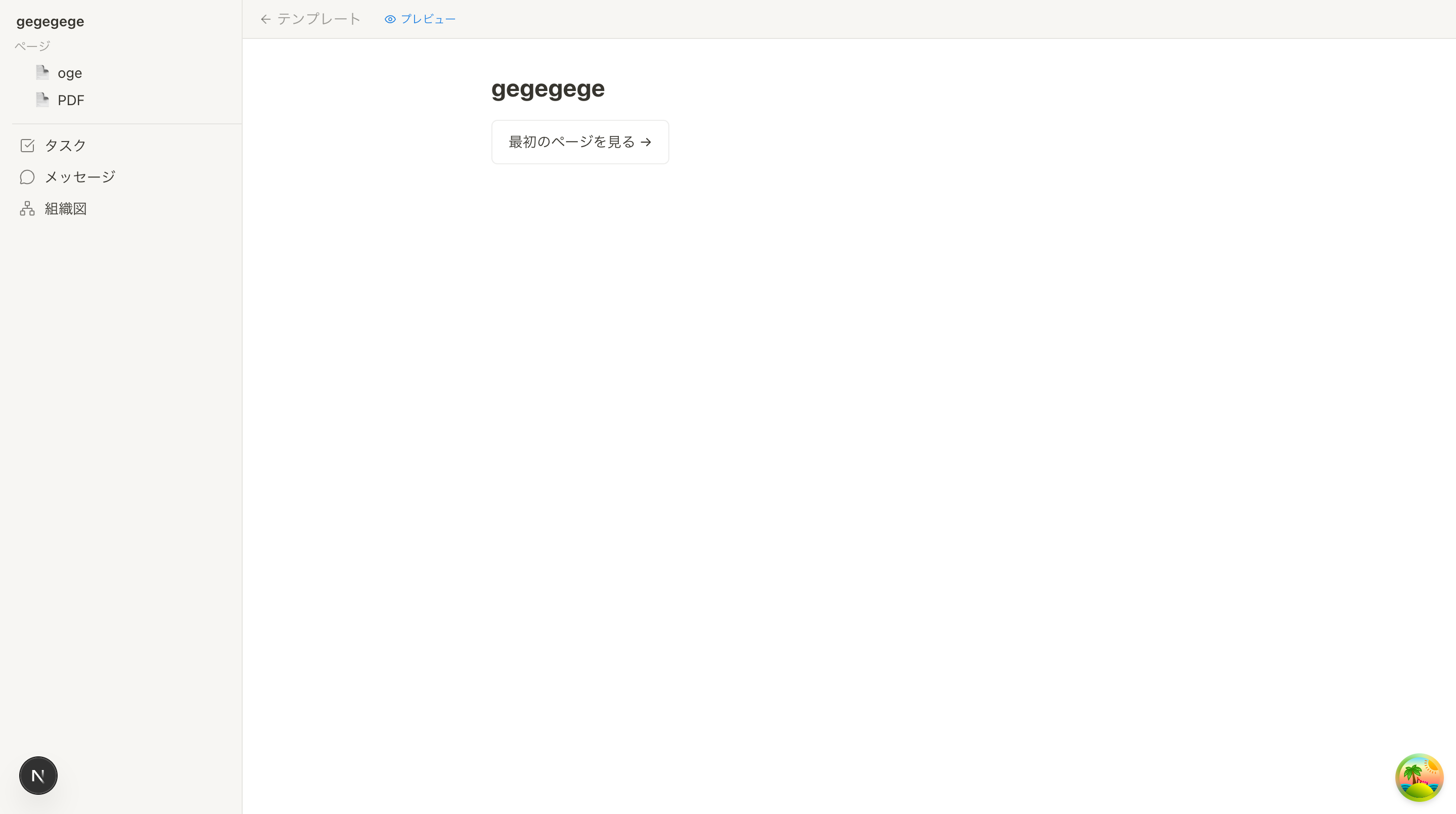
What you can do in the preview
- View pages: Check the template's page structure and content
- Review tasks: Check the predefined task list
- Messages: Review the message threads included in the template
- Stakeholders: Check the org chart structure
Create a Room from the template
Click "Create a Room from this template" at the top of the preview screen to create a new Room based on the template.
You can browse the template gallery from the "Templates" page on Terasu's marketing site. Use the templates organized by industry and use case as a reference to find a Room structure that fits your organization.