Last updated: 2026-09-20 · 2 min read
Review results and improve an Agent
After you publish, review individual outputs separately from longer-term trends. Never change a live Agent in place: create a new draft from a suggestion, evaluate it again, and publish the approved version.
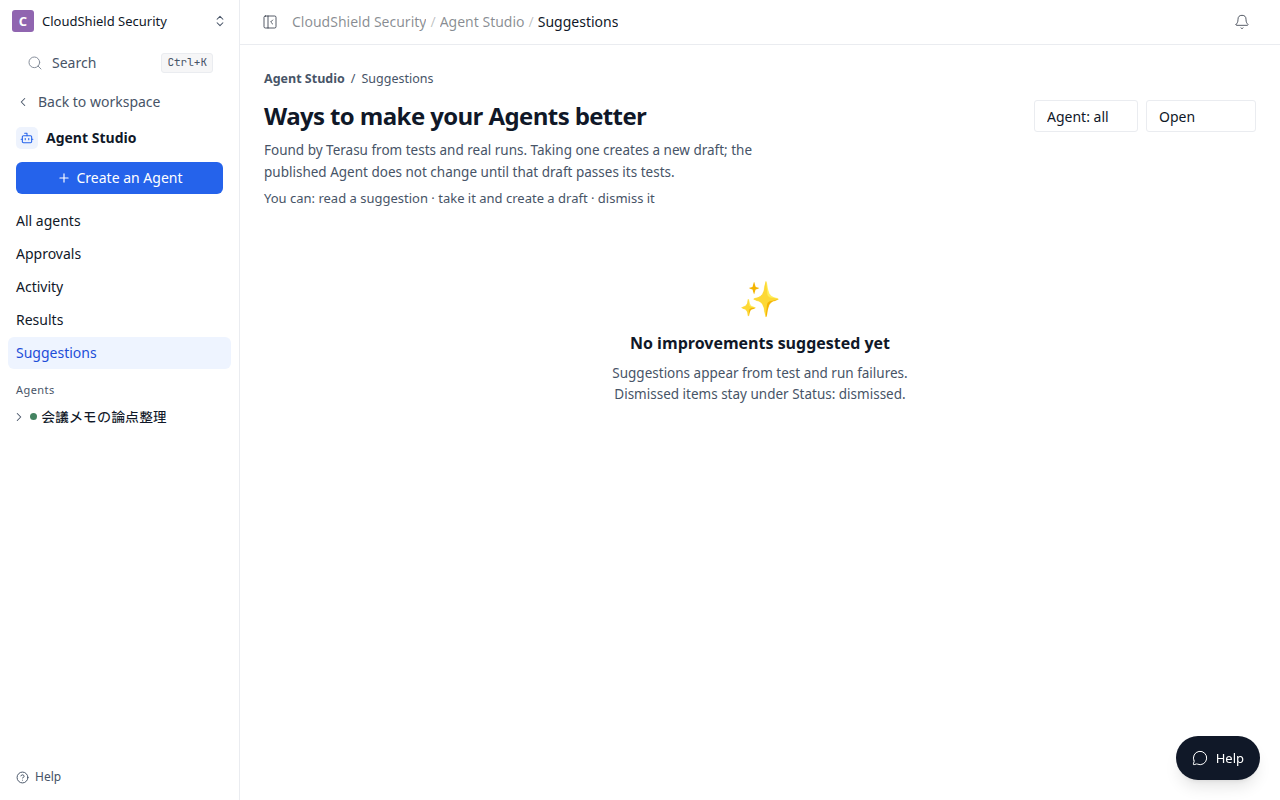
The opening image is Suggestions in Agent Studio (1280). Read a candidate, then select Create a draft or Dismiss.
| Screen | What to inspect | What to do next |
|---|---|---|
| Run history | One run, its output, sources, and errors | Investigate a specific result |
| Results | Quality, success, and trends by Agent | Identify a pattern. Use See suggestions or Remedy |
| Suggestions | System-detected improvement suggestions | Select Create a draft and return to Tests |
Start an improvement draft
- Read the evidence and scope of an improvement suggestion.
- Select Create a draft when you want to adopt it.
- Check and refine the change in Design.
- Re-run Tests with the previous cases and the affected case.
- Approve and publish the new version only when it is ready.
Suggestions does not automatically fix or publish an Agent. A person must verify the proposal and its permission impact.
Related articles
- Evaluate, approve, and publishCheck expected results in Tests before publishing an Agent
- Run an Agent: now, on a schedule, or webhookChoose a safe trigger for Run now, recurring work, or an external event
- Troubleshooting Agent StudioCheck goals, evaluation, publish, and run results when an Agent does not work as expected