Signal Detection
The AI agent analyzes customer behavior data in real time and automatically detects signals that affect how a client project moves forward. Detected signals appear in the Decision Timeline and help inform the right action.
Types of signals
The agent detects the following eight types of signals.
Buying intent signals
| Signal | Description | Typical severity |
|---|---|---|
| Decision-maker access | A stakeholder with decision authority accesses the Room | high |
| Pricing interest | Viewed pages related to pricing or quotes | medium–high |
| Content deep-read | Viewed a specific page for an extended time | medium |
| Bulk review | Viewed multiple pages together in a short period | medium |
Risk signals
| Signal | Description | Typical severity |
|---|---|---|
| Engagement decline | Access frequency and viewing time decrease | high–critical |
| Competitor comparison | Viewed a page comparing competing products | high |
Stakeholder signals
| Signal | Description | Typical severity |
|---|---|---|
| Champion activity | Active behavior by an internal champion | medium |
| New stakeholder | A new stakeholder joins or accesses the Room | low–medium |
Severity levels
Each signal is assigned one of four severity levels.
| Level | Color | Meaning |
|---|---|---|
| critical | Red | Immediate action required. May directly stall or advance the client project |
| high | Orange | Early action recommended. Risk grows if left unaddressed |
| medium | Yellow | A change worth noting. Understand the situation and consider the next action |
| low | Blue | For reference. Often does not require direct action |
How to review signals
Reviewing in the Decision Timeline
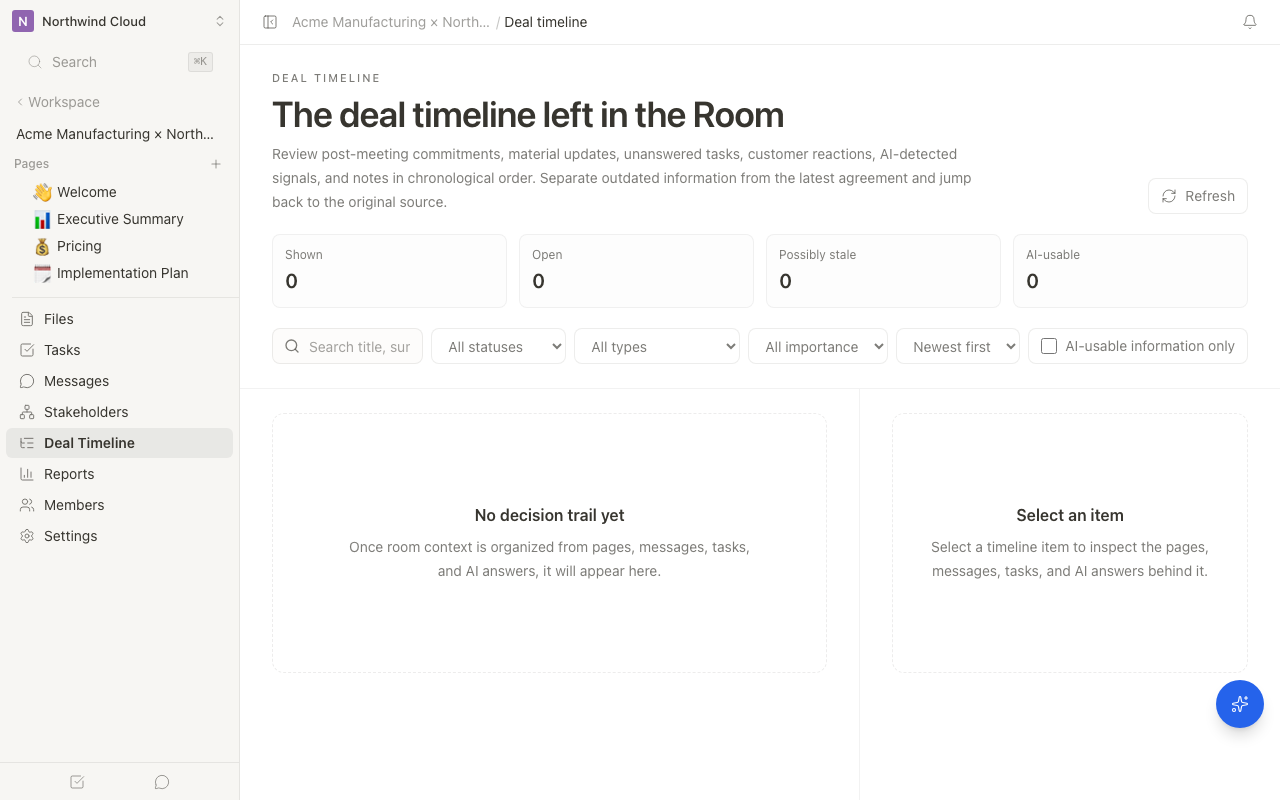
Each Room's Decision Timeline displays AI signals and customer reactions in chronological order.
- Open the target Room from the sidebar
- Click "Decision Timeline" in the left menu
- Choose "AI signal" in the type filter and review the timeline
Each signal shows the following information.
- Signal type and icon
- Severity badge (color-coded)
- Description (a summary of what happened)
- Detection date and time
To understand the background of a signal, review the timeline item and then ask the AI sidebar, "Organize the background of this signal and the next action."
Reviewing on the dashboard
Insights lets you review which Rooms need attention across the workspace. For details, see Client-project portfolio intelligence.
The relationship between signals and actions
When the agent detects a signal, it automatically proposes actions appropriate to the situation.
| Example signal | Example proposed action |
|---|---|
| Decision-maker access | Send a follow-up message |
| Engagement decline | Create a task to follow up with the CTO by phone |
| Competitor comparison | Send material emphasizing your differentiation points |
| New stakeholder | Send an introduction message |
The agent learns from your patterns of approving and rejecting actions for signals, and its proposals become more accurate over time. By giving feedback proactively, you'll get proposals that better match your team's sales style.
Excluding bot access
The agent automatically filters out access from crawlers and bots, and treats only human behavior as a target for signal detection. This prevents false positives and provides reliable signals.
Signal detection accuracy improves in proportion to the amount of data accumulated in the Room. In a new Room, the number of detected signals may be low until enough data has accumulated.
Related articles
- Decision TimelineHow to review customer confirmations, AI signals, and decision context in chronological order
- Agent InboxHow to approve or reject pending proposals across Rooms from the workspace inbox.
- Client-project portfolio intelligenceHow to check which Rooms need attention and project health from Insights and the digest calendar.